Untitled Symbiote Suit Game Controls Guide
Official binds, community-reported keys, and how to practice them safely.
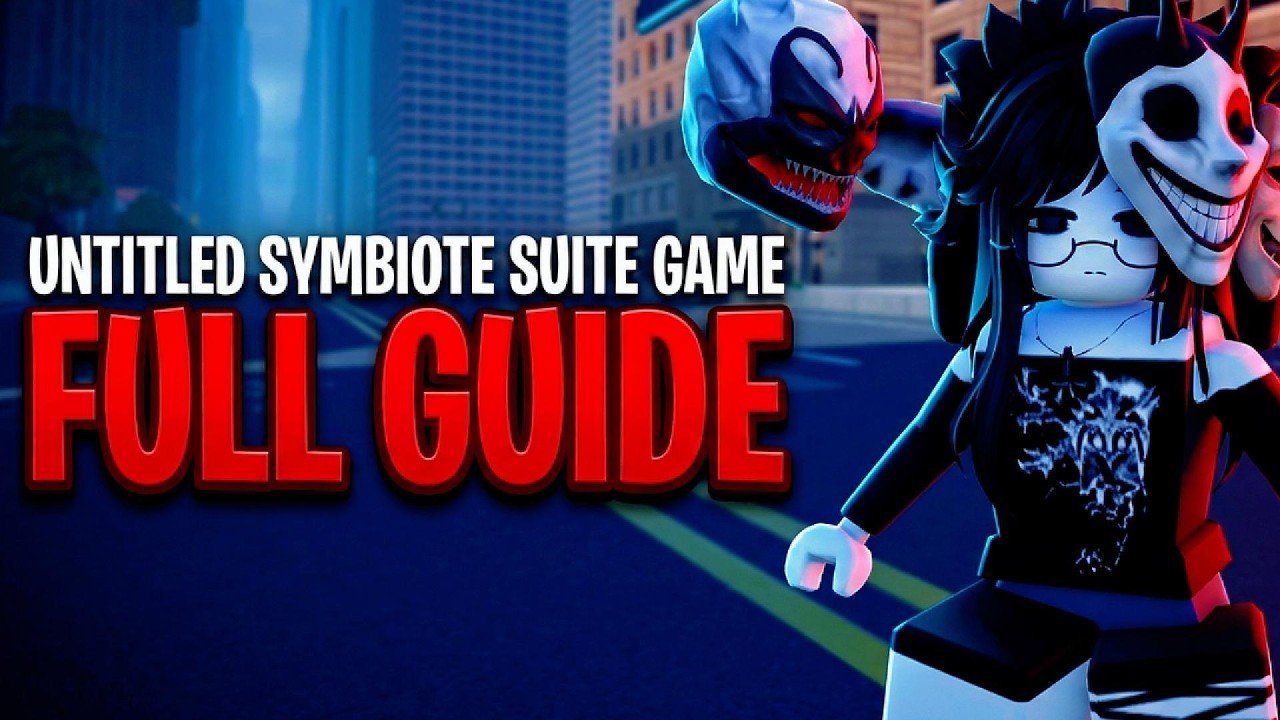
Clean movement wins more fights than raw greed in Untitled Symbiote Suit Game [VENOM]. This controls guide separates official binds published on the Roblox listing from community-reported keys players describe in live sessions. The game is an open-world action experience by Dylan Develops (server size 10, released around 25 October 2026). Mastering the keyboard loop - acquire, toggle, swing, feed - is the fastest way to enjoy Shards, upgrades, crimes, bosses, and meteor contests.
This page is for PC keyboard focus. Mobile or controller layouts may remap prompts; always trust the on-screen hint in your client. The experience is a fan Roblox title, not an official Marvel license.
Official controls (Roblox description)
The public game description currently lists two explicit controls:
| Key | Action | Prerequisite |
|---|---|---|
| Q | Toggle Symbiote Suit | Symbiote must already be acquired |
| F | Swing | Suit / swing state available after you can use traversal powers |
These two binds are the stable teaching anchors across patches. If a guide on this wiki mentions Q or F, it refers to these official actions unless a patch note says otherwise. Cross-check after updates on Updates.
Q - Toggle Symbiote Suit
Q does nothing useful until acquisition completes. New players often mash Q on a fresh spawn and assume the game is broken. Bond first using the live acquisition flow described in How to Acquire a Symbiote, then:
- Press Q once and watch for the suit visual change.
- Press Q again to confirm you can exit the suited state.
- Practice toggling near a safe rooftop before contested streets.
Why toggle matters: some interactions - including community reports about talking to Venom with the suit off - depend on knowing which state you are in. Combat, swinging, and devour attempts also feel different suited versus unsuit. Treat toggle as a deliberate choice, not a panic button.
F - Swing
F is your city traversal tool. Swinging shortens travel to crimes, shops, bosses, and meteor markers. Practice sequence:
- Stand in an open plaza with clear line to a tall attachment point.
- Press F and observe how the current build attaches.
- Release or re-press according to the live swing behavior to control arcs.
- Land, reset camera, and repeat until you can chain two or three swings without falling into a dead alley.
Swing skill multiplies every other system. Better arcs mean faster Shard loops, safer retreats after devour attempts, and earlier arrivals at Meteor Events. Pair swing practice with early movement upgrades from Upgrades once you have Shards.
Community-reported controls
Players frequently report an additional bind:
| Key | Reported action | Notes |
|---|---|---|
| T | Devour players / talk to Venom when suit is off | Not listed on the official Roblox description; confirm the prompt in your build |
T - Devour or talk (reported)
When the suit is active and another player is in range, T is widely reported as the devour / feed interaction that restores hunger and can grant Shards. When the suit is off, the same key is often described as a talk-to-Venom interaction. Because this is community-reported:
- Look for an on-screen prompt before assuming T always works.
- Do not soft-lock your session waiting for a talk dialogue if your patch moved the interaction.
- Read Feed Venom for hunger timing, approach angles, and why feeding belongs in the core loop.
If T does nothing, check suit state with Q, confirm proximity, and verify you are not in a cutscene, menu, or shop UI that captures input.
Standard Roblox movement still applies
Alongside game-specific keys, expect normal Roblox locomotion:
- WASD - walk and strafe
- Space - jump (useful before swing attach points)
- Shift - sprint if enabled by your avatar / upgrade state
- Camera drag - aim swings and track targets during devour approaches
Sprint-related permanent upgrades matter because contested objectives punish slow ground travel when webs are on cooldown or blocked. See How to Get Shards for currency and Getting Started for the first-hour practice order.
Recommended practice drill (five minutes)
- Confirm acquisition complete.
- Q on -> visual check -> Q off -> Q on again.
- Three clean F swings across a quiet street.
- Approach a willing or contested player and test the reported T devour prompt if visible.
- Q off and test whether a talk prompt appears with T.
- Open the shop UI once so you know which key or button does not conflict with Q/F/T.
Repeat the drill at the start of every session until muscle memory sticks. Ten-player servers punish hesitation more than they punish imperfect builds.
Controls troubleshooting
Q does nothing. You have not acquired a symbiote yet, or a menu is focused. Finish bonding and click back into the world.
F fails to swing. Check suit state, stamina/hunger constraints if your build gates traversal, and whether geometry is valid. Move to a clearer attach angle.
T does nothing. Confirm it is still bound in your patch, ensure target proximity, and verify suit on/off matches the action you want (devour vs talk).
Keys feel swapped after an update. Re-read the Roblox description and this page after patch day. Official Q / F are the first things to re-verify.
Mobile prompts differ. Use the on-screen buttons; this wiki documents the PC listing binds as the canonical reference.
How controls support the full loop
Controls are not trivia - they are the verbs of the economy:
- Acquire unlocks Q.
- Q enables suited combat and traversal identity.
- F compresses the map so Shard and event routes stay efficient.
- Reported T feeding keeps hunger stable so those routes do not collapse mid-fight.
- Stable routes fund Upgrades, which make the same keys feel stronger.
When you are ready, return to the Guides Hub or jump into specialized pages for acquisition, feeding, Shards, meteors, and shop spending. If a creator video demonstrates binds, compare it against this table rather than memorizing outdated overlays.
Accessibility and comfort tips
- Remap at the Roblox or OS layer only if you understand conflicts; many players keep Q / F default for guide compatibility.
- Lower camera sensitivity slightly while learning swing arcs, then raise it for devour tracking.
- Take short breaks - web motion and rooftop chases can strain focus in long sessions.
- Play with headphones if audio cues telegraph crimes, bosses, or meteor arrivals in your build.
Master Q and F first. Confirm T second. Everything else in Untitled Symbiote Suit Game becomes easier once those three inputs are automatic.
Frequently Asked Questions
Quick answers to the most common questions.
What are the official Untitled Symbiote Suit Game controls?
The Roblox description lists Q to toggle the Symbiote Suit after you acquire one, and F to swing. Those are the official keyboard anchors.
What does the T key do?
Community reports say T devours players to feed the symbiote, and can talk to Venom when the suit is off. Confirm the on-screen prompt in your live build because T is not listed on the official description.
Why does Q not work at spawn?
Q toggles the suit only after a symbiote is acquired. Complete bonding first, then test toggle in a safe area.
Should I practice swinging before fighting?
Yes. Spend a few minutes with F in an open street so you can rotate to crimes, shops, bosses, and meteor sites without constant fall deaths.
Do mobile controls match this guide?
Mobile uses on-screen prompts that may differ. This page documents the official PC listing binds; always trust your client's labels.